


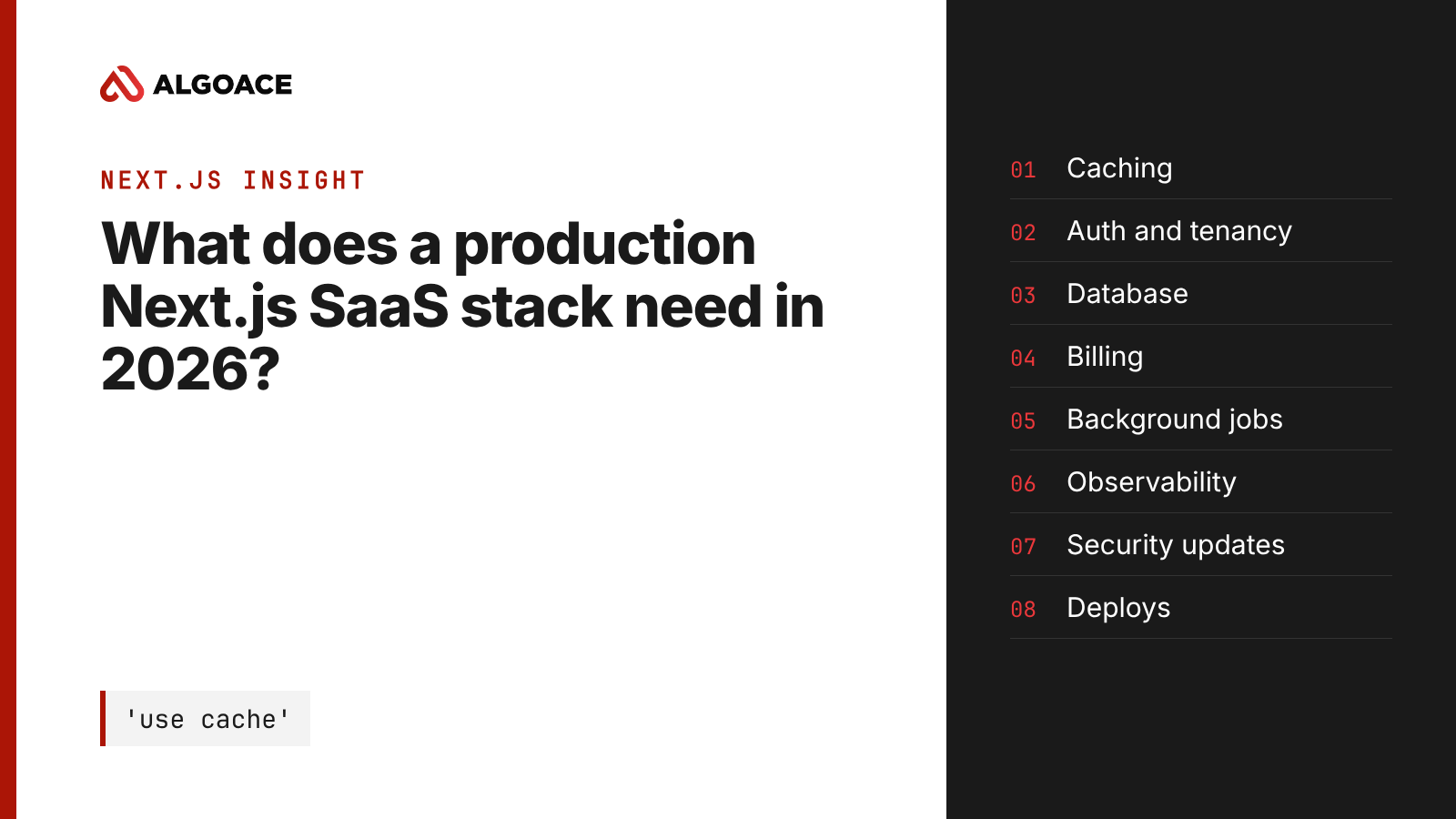
A production Next.js SaaS needs eight layers beyond the framework: an explicit caching model, authentication with tenant isolation, a relational database with migrations, a billing system of record, background jobs, observability, a security update routine, and repeatable deploys with previews. Next.js renders the product. These layers keep it running when paying customers depend on it.
Most Next.js projects that reach us are not broken because of Next.js. They are broken because the framework was asked to do jobs it was never meant to own. A demo works on day one. Then real users arrive, a webhook fails overnight, and a cached page shows one customer's data to another. This is the list we check before a Next.js SaaS takes its first paying customer.
Which caching model should a new Next.js app use?
Answer: New apps should use Cache Components. As of Next.js 16.4 (October 2026), the Next.js team recommends Cache Components for every app, and new projects created with create-next-app have it enabled by default. Caching becomes opt-in and declared per component with 'use cache', which removes the guesswork of the older implicit model.
The older App Router caching was implicit, and that is where most data leaks and stale screens came from. With Cache Components you mark what can be cached and for how long, using cacheLife. Anything not marked renders per request.
Two rules we apply on every SaaS build:
- Never cache anything scoped to a user or a tenant without the user or tenant ID in the cache key. Put the ID in the function arguments so it becomes part of the key.
- Use
ensureStaticon marketing and docs routes. Introduced in 16.4, it fails the build if a dynamic component slips into a page that should stay static. That protects both speed and your hosting bill.
The Next.js team says Cache Components will become the default in Next.js 17. If you are starting now, start there and avoid a migration later.
How should authentication and multi-tenancy work?
Answer: Authentication should come from a dedicated identity provider or a well-maintained library, never hand-rolled sessions. Every database query must be scoped to a tenant on the server, enforced in one data access layer, not in React components. Middleware can redirect users, but it is not a security boundary on its own.
Most SaaS data leaks we have reviewed come from one missing where tenantId = ?. The fix is structural: one data access module that every server component, Server Action and route handler calls, and that refuses to run without a tenant ID. Row-level security in Postgres adds a second layer if your database supports it.
Check these before launch:
- Server Actions validate input and check permissions themselves. They are public HTTP endpoints, whatever the UI shows.
- Roles live in your database, not only in the identity provider's claims, so you can audit and change them.
What database setup does a SaaS need?
Answer: Use a managed relational database, usually Postgres, with versioned migrations checked into the repository and applied by your deploy pipeline. Add connection pooling for serverless functions, daily backups you have restored at least once, and a separate database for preview environments so tests never touch customer data.
Serverless functions open many short connections, and an unpooled Postgres runs out of connections under load. A pooler, or a database with a serverless driver, fixes that. Migrations belong in code review like any other change. A schema edited by hand in production is the most common cause of a deploy that works in preview and fails live.
Where should billing live?
Answer: Billing should live in a payment provider that acts as the system of record for subscriptions, invoices and tax, with your app reacting to its webhooks. Your database stores the current plan and entitlements, updated from verified webhook events, so the app never decides access from a browser request.
The pattern that holds up: the checkout and billing portal are hosted by the provider, webhooks are verified by signature, and every webhook handler is idempotent because providers retry. A customer who upgrades twice in a minute should not be charged twice or unlocked twice.
How do you run background jobs on Next.js?
Answer: Run anything slower than a few seconds outside the request: emails, exports, AI calls, imports and webhooks to third parties. Use a queue or durable workflow service, or scheduled functions from your host, with retries and a dead letter record. A user request should enqueue the work and return immediately.
A request that waits on a third-party API inherits that API's outages. We keep a small outbox table for every side effect that must not be lost, a worker that drains it, and an alert when items stay failed. It is the difference between a lost email and a late one.
What should you monitor before customers arrive?
Answer: Monitor errors with stack traces and release tags, structured logs you can search by user and tenant, uptime checks on sign-in and checkout, and Core Web Vitals from real users. Set alerts for error spikes after a deploy and for failed background jobs, and route them to a channel someone reads.
How do you keep a Next.js app secure after launch?
Answer: Treat framework updates as routine work. Next.js publishes security releases regularly; it shipped security updates in September and October 2026. Pin dependency versions, run automated dependency updates, apply security releases within days, and keep a written list of where secrets live and who can rotate them.
Assign a named owner for upgrades, and use the Next.js upgrade tooling (next upgrade) rather than editing versions by hand.
What does a repeatable deploy look like?
Answer: Every pull request gets a preview deployment with its own environment variables and database. Production deploys come only from the main branch, after checks pass, with instant rollback available. Required secrets are set for both preview and production, so a missing key fails the build instead of failing a customer.
Layer | Minimum before launch | Common gap we find |
|---|---|---|
Caching | Cache Components, tenant ID in every cache key | User data cached globally |
Auth and tenancy | One data access layer that requires a tenant ID | Checks only in the UI |
Database | Managed Postgres, migrations in code, pooling | Schema edited by hand |
Billing | Provider as system of record, verified idempotent webhooks | Access decided in the browser |
Background jobs | Queue or outbox with retries and alerts | Slow work inside requests |
Observability | Errors tagged by release, alerts routed | Logs nobody searches |
Security updates | Named owner, releases applied within days | Packages years behind |
Deploys | Previews per pull request, rollback ready | Production pushed from laptops |
Is Next.js the right choice at all?
Answer: Next.js fits a SaaS that needs indexed marketing pages, a fast app shell and a React team, in one codebase. It is a weaker fit for a pure internal tool with no public pages, or a product whose backend is the main work. There, a separate API with a simpler frontend can be cheaper to run.
We cover when Next.js is and is not the right choice on our Next.js page. If you already have a Next.js app and want this list checked against your codebase, our web and SaaS engineering team does that as part of a scoping call.
Choosing the framework is cheap. These eight layers are where the cost sits.
Planning a Next.js SaaS or taking over one that is already live? Book a scoping call and we will walk through these eight layers against your product. You are never handed to a junior or a subcontractor. Your product is yours, completely.
Sources
- Next.js 16.4 release post, Vercel, 6 October 2026: https://nextjs.org/blog/next-16-4
- Next.js caching guide (Cache Components): https://nextjs.org/docs/app/getting-started/caching
- Next.js
ensureStaticreference: https://nextjs.org/docs/app/api-reference/file-conventions/route-segment-config/ensureStatic - Next.js security update, 14 October 2026: https://nextjs.org/blog/nextjs-security-update-october-14-2026
- Next.js agent upgrade guide: https://nextjs.org/docs/app/guides/upgrading/agent-upgrade
Questions this raises
Is Next.js good for SaaS in 2026?
Yes, for most B2B and B2C SaaS products with public marketing pages and a React team. Next.js 16.4 adds a declared caching model, Cache Components, that makes per-user data safer to handle. It is less suited to products that are mostly backend processing with little user interface.
Do I need Cache Components for an existing Next.js app?
Not immediately. The Next.js team recommends it for every app and plans to make it the default in Next.js 17, so plan the migration rather than rush it. New apps should start with it. Existing apps can migrate route by route using the official upgrade tooling and guides.
Can Server Actions replace an API?
For your own web frontend, often yes. Server Actions are still public HTTP endpoints, so each one must validate input and check permissions. If a mobile app or partners also need the same operations, a versioned API serves them better.
Where should a Next.js SaaS run background jobs?
Outside the user's request, in a queue, a durable workflow service or scheduled functions, with retries and alerts on failure. Keep an outbox record for side effects that must not be lost, such as billing emails and CRM updates.
What is the most common production gap in Next.js SaaS apps?
Missing tenant isolation. Permission checks sit in the user interface instead of one server-side data access layer, so a single unscoped query can expose another customer's data. Fix it structurally, not query by query.